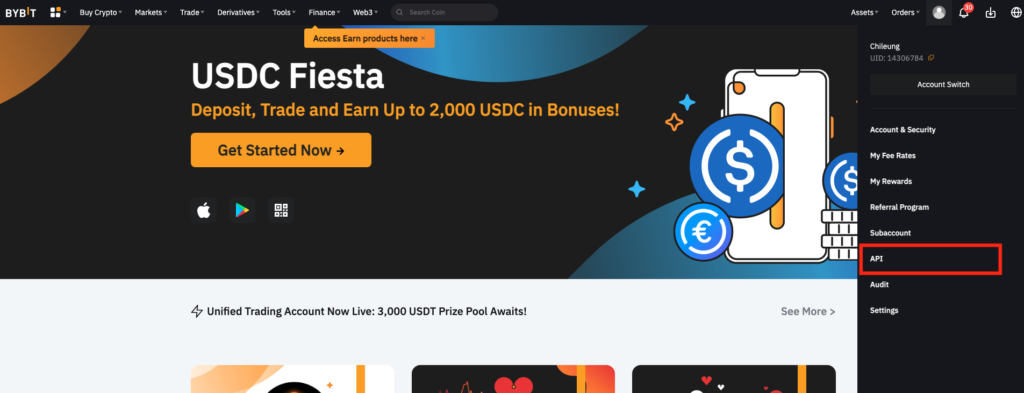
Step 1: Login your Bybit account on desktop (not mobile). Alternatively, you can click the human icon on the top right corner of your trading page, go to “Account & Settings” then click “API Management”.
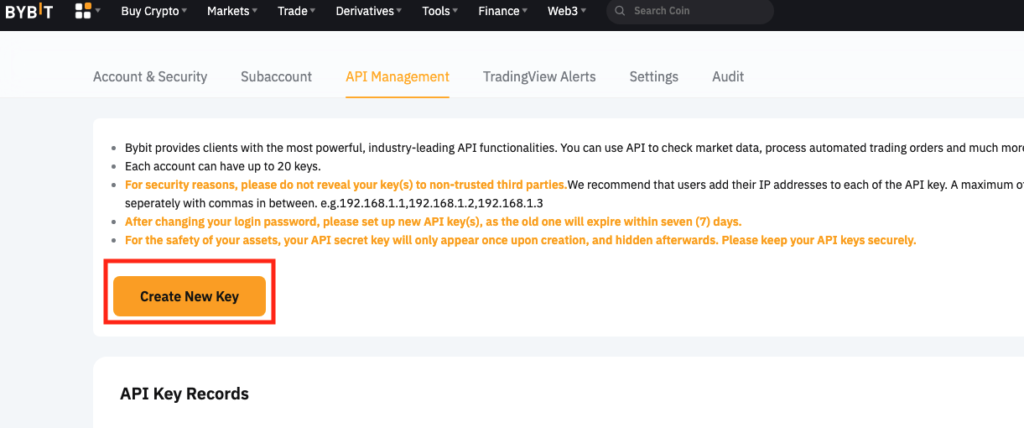
Step 2: Click on ‘Create New Key’ located on the right side of the ‘API Management’ page
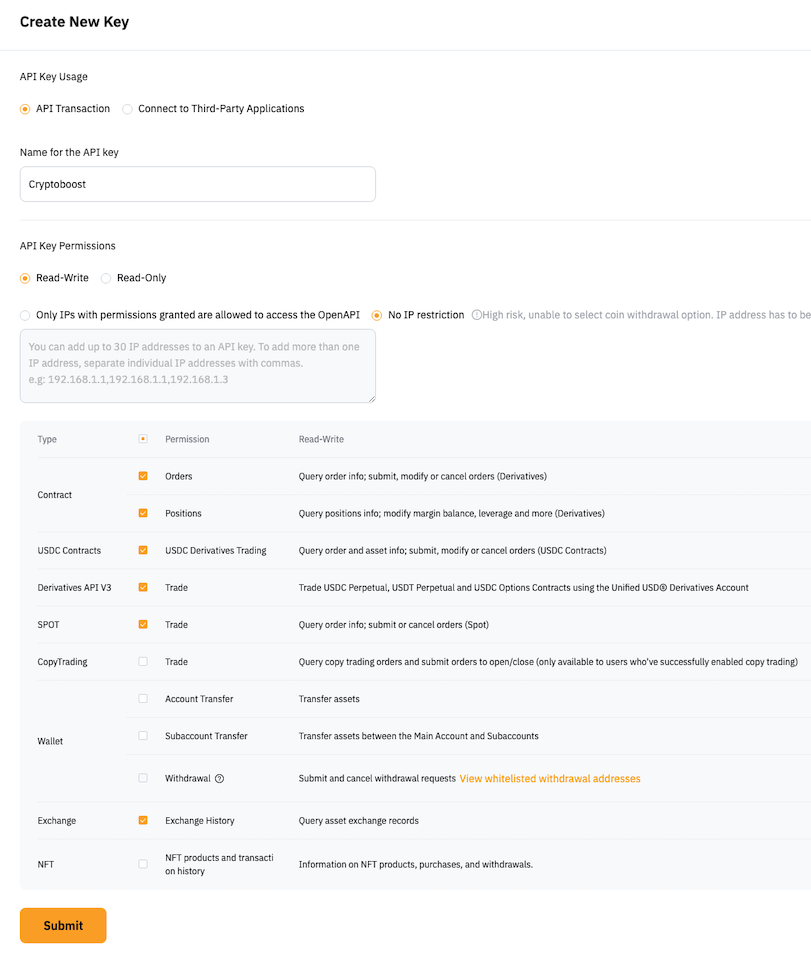
Step 3: Plesae follow the example below to fill the information.
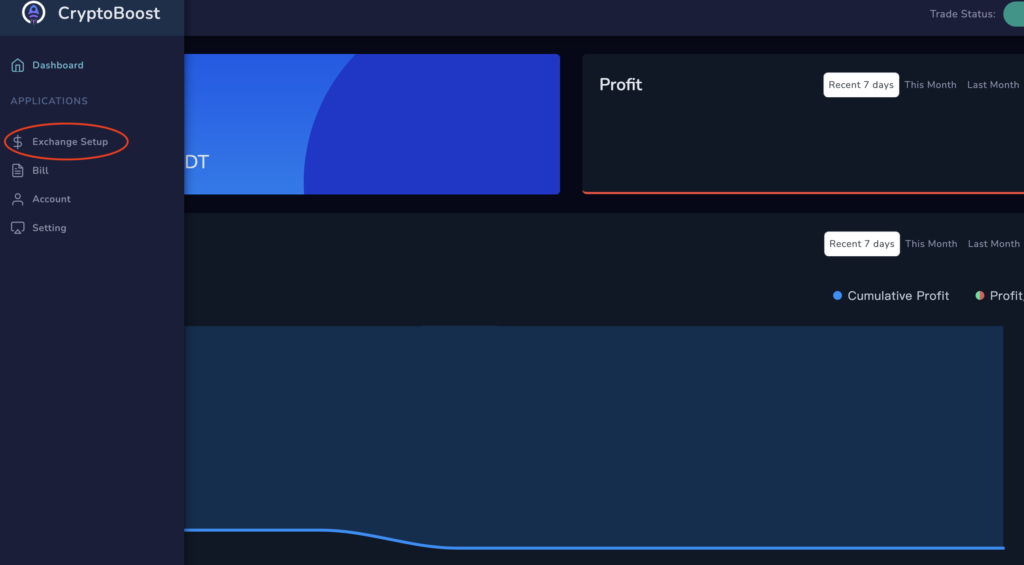
Step 4: Go to Exchange Setup in CryptoBoost
Step 5: Select your exchange and paste API key in CryptoBoost
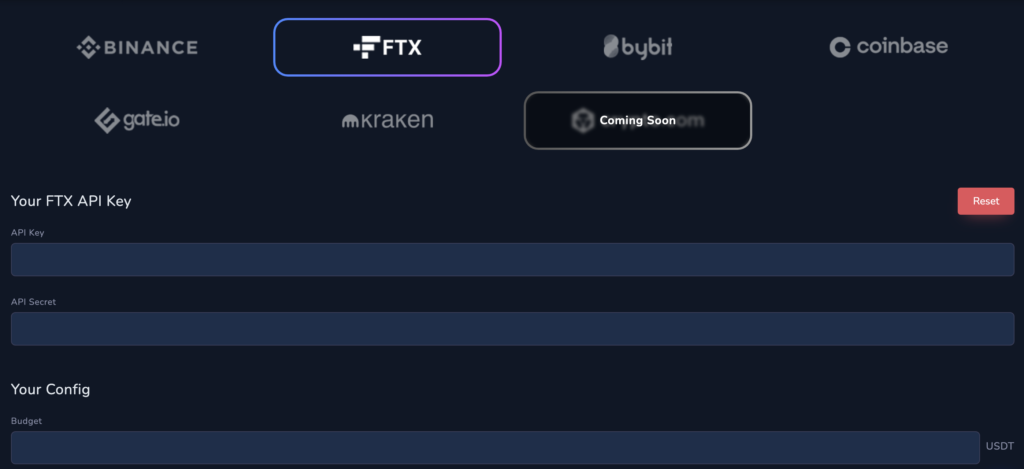
Step 6: Set Budget You Want to Invest
Step 7: Click “Start Trade” to Start CryptoBoost
Final Step: Transfer USDT Budget to “Derivatives” Wallet in ByBit