Step 1: Login your Binance account on desktop (not mobile). After logging into your Binance account, click [API Management] from the user center icon.

Step 2: Enter a label/name for your API key and click [Create API].
Security tip: Before creating an API, you need to enable two-factor authentication (2FA) on your account.

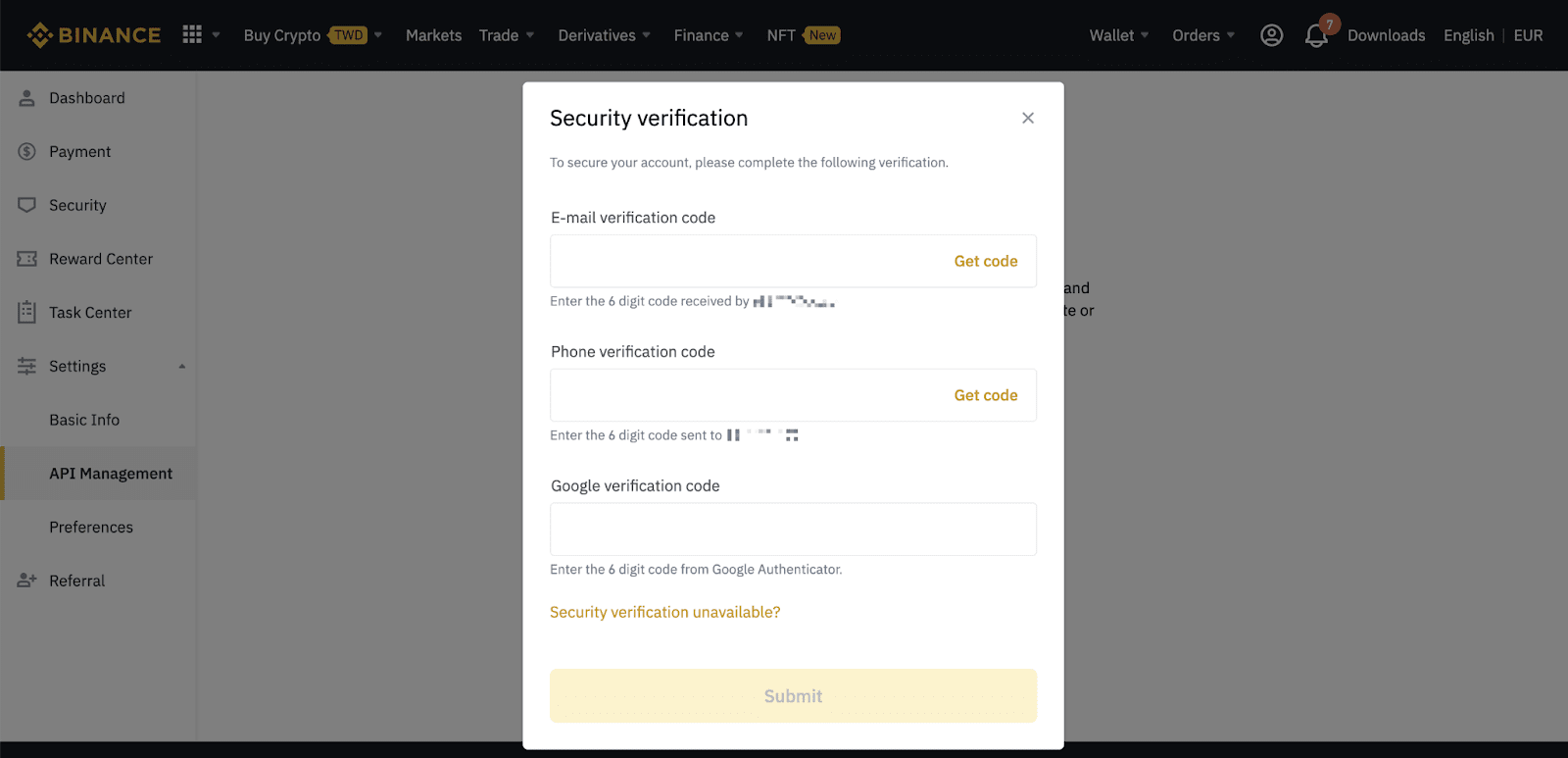
Step 3: Complete the security verification with your registered 2FA devices.
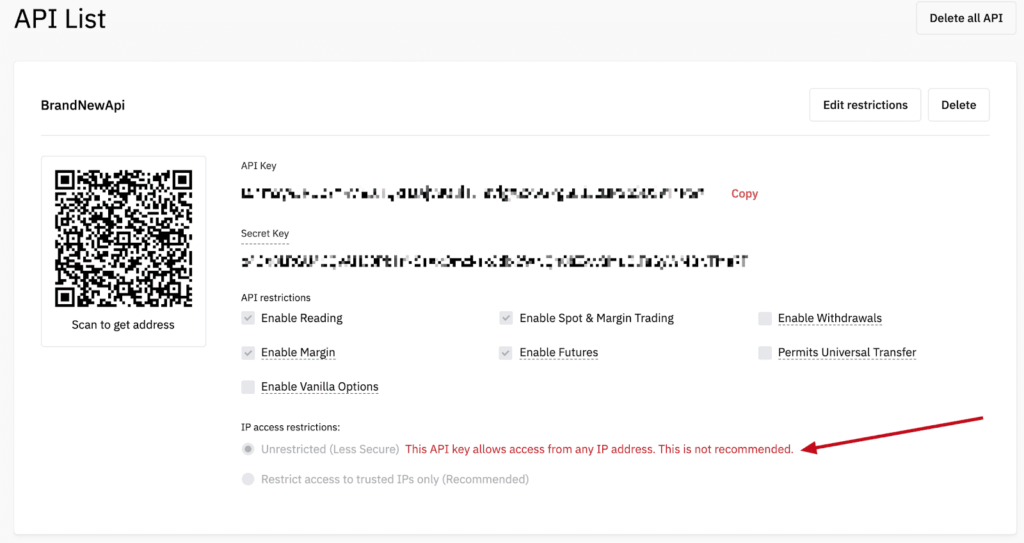
Step 4: Your API is now created. If you forget your Secret Key, you will need to delete the API and create a new one.
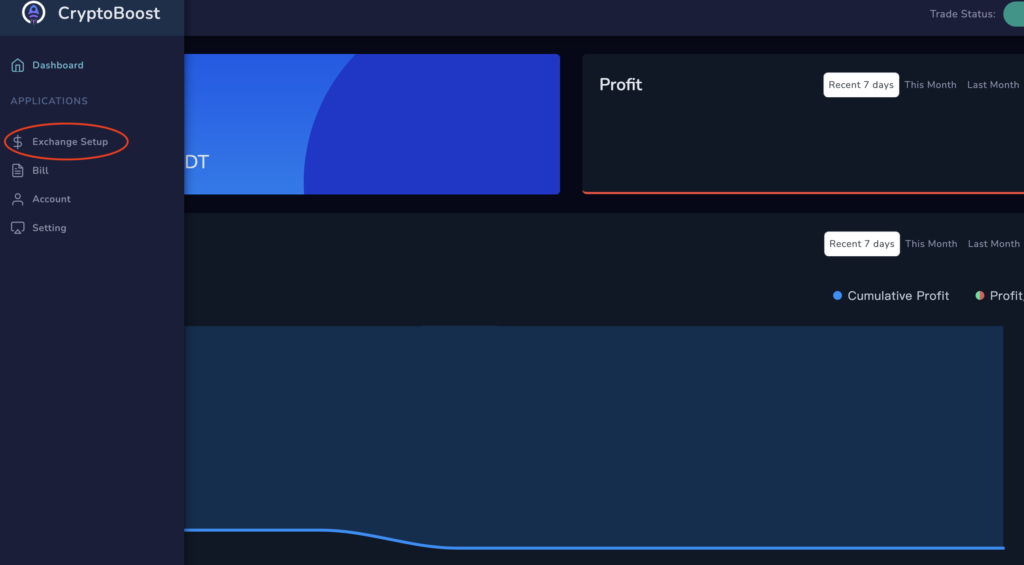
Step 5: Go to Exchange Setup in CryptoBoost
Step 6: Select your exchange and paste API key in CryptoBoost
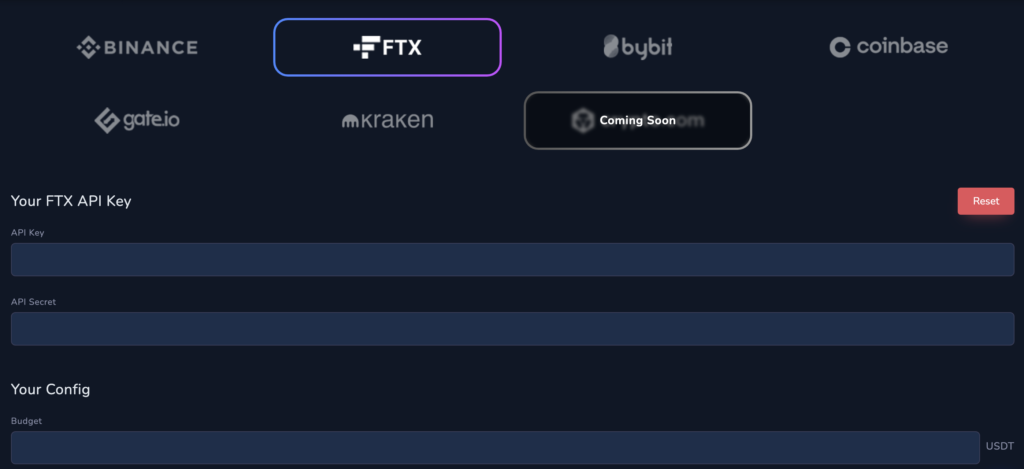
Step 6: Set Budget You Want to Invest
Step 7: Click “Start Trade” to Start CryptoBoost
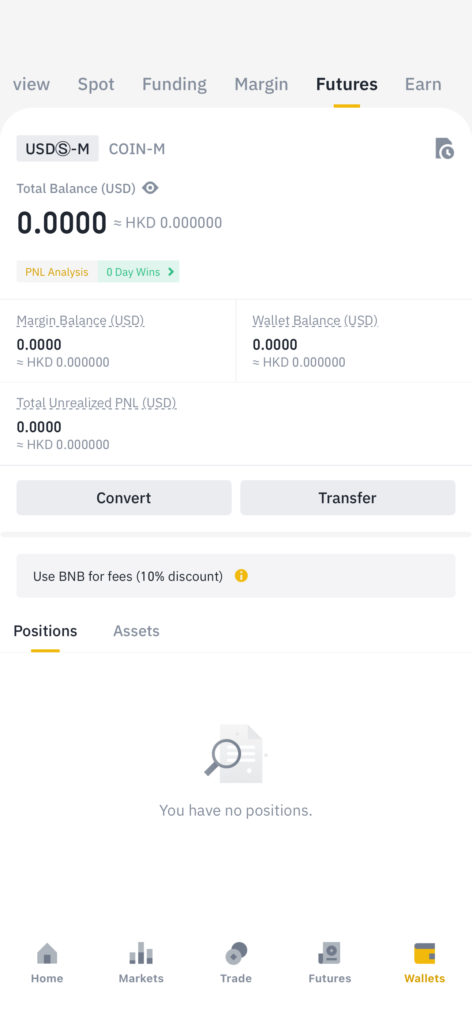
Final Step: Transfer USDT Budget to “Futures” Wallet in Your Binance Account